

Restrict a shipping method to weight ranges
It is possible to set a shipping method to be hidden when the order weighs more than Xkg, for example.
Firstly, you need to have entered the weight of your items. You can do this by searching for "weight" and adding the tool to it.

You can then enter the weight where you edit your item.
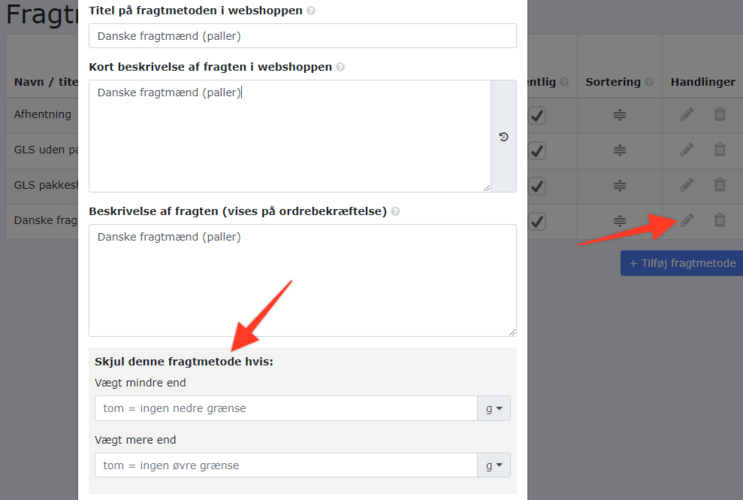
Now you can set your shipping method to be shown or hidden at different weight ranges. To do this, search for "weight" again and add the tool there.

When this tool is enabled, you can edit your shipping method and set weight requirements.